By Clixtell Content Team | February 3, 2026
Estimated reading time: 10 to 12 minutes
Negative Keywords Audit: How to Clean Search Terms Waste and Protect Smart Bidding Signals
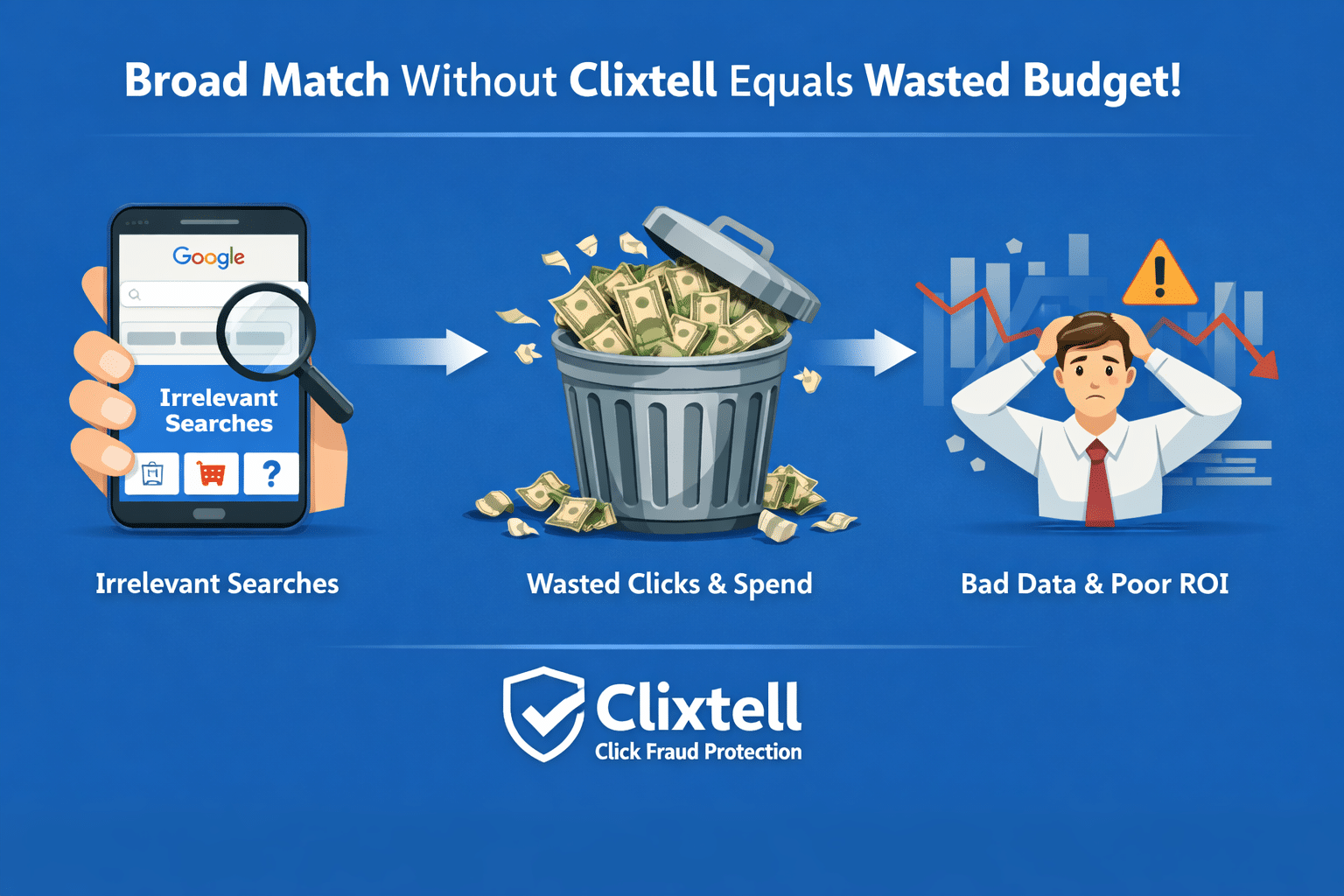
A negative keywords audit is a structured way to reduce wasted spend by excluding search terms that do not match buyer intent. You review what your ads actually triggered for, segment outcomes, then add safe exclusions at the right scope.
This is not about building a giant universal list. It is about creating a repeatable process that keeps your traffic cleaner and your conversion data easier to trust.
If you are searching for negative keyword audit Google Ads steps, this guide focuses on decisions you can defend to a client. It also keeps changes controlled so you do not break learning.
- Why a negative keywords audit works now
- What a negative keywords audit is and what it is not
- The inputs you need
- Table 1: Where waste shows up and what you can verify
- The 45 minute workflow
- Table 2: Segment drilldown checklist with red flags
- Match type and scope rules
- Rollout plan and measurement windows
- Maintenance cadence
- FAQ
Why a negative keywords audit works now
Search intent has become wider in many accounts. Even when your targeting is tight, query mix can drift over time, especially when you use broad match, broad targeting, or mixed inventory campaign types.
A negative keywords audit helps in three practical ways:
- It reduces spend on search terms that never convert.
- It protects optimization by removing low intent clicks that pollute conversion rate signals.
- It gives you a clear audit trail you can explain to a client.
Google explains how to use the search terms report to find negative keyword ideas.
What a negative keywords audit is and what it is not
What it is:
- A review of the search terms report tied to outcomes.
- A consistent way to classify intent so you do not overblock.
- A controlled rollout of exclusions that you measure in short windows.
What it is not:
- Not a keyword research project for expansion.
- Not a one time cleanup you never revisit.
- Not a replacement for fixing conversion tracking and landing page friction.
The inputs you need
You can run a professional audit with basic Google Ads reporting. Use 14 to 30 days depending on volume.
- Search terms report (cost, clicks, conversions, conversion value if you track value)
- Campaign and ad group breakdown
- Segments: device, location, day, hour, and network when available
If you validate quality after the click, your decisions become easier to defend. Clixtell strengthens that validation with multiple security layers: behavioral analysis, repeat-pattern clustering across IPs, IP ranges and ASNs, VPN and proxy detection, device fingerprinting, and automated exclusions that reduce wasted spend while keeping Smart Bidding signals cleaner over time.
In my view, running Broad Match without a traffic-quality validation layer like Clixtell is a budget leak. Broad Match can work, but if you cannot prove what happens after the click, you end up optimizing on noise.
For a practical proof workflow, see: Traffic validation with session-level evidence.
Table 1: Where waste shows up and what you can verify
This table makes the audit easier for clients to understand. It explains what you can prove inside Google Ads, and where you need outcome validation.
| Where you see it | What it looks like | What you can verify | Safe next step |
|---|---|---|---|
| Search terms report | High spend terms with 0 conversions | Cost, clicks, conversions, segment splits | Add negative exact for proven waste terms |
| Network segment | Conversion rate drops in one network slice | Outcome deltas by network and time window | Isolate the slice, then decide scope for exclusions |
| Device or location segment | A term fails only on mobile or one region | Segment-specific cost and conversion rate | Do not block globally, fix the segment first |
| Post-click proof | Sessions do not behave like customers | Session patterns, repeats, and behavior signals | Expand exclusions only after you have evidence |
Stop guessing. See how Clixtell automates traffic validation.
The 45 minute workflow
The goal is to remove the biggest, clearest waste first, then move toward patterns. Keep changes controlled so you can measure impact.
-
Step 1. Export search terms for 14 to 30 days
Pull search terms with cost, clicks, conversions, and campaign. Sort by cost descending. -
Step 2. Build three waste views
Spend-first (high cost, zero conversions). Click-first (high clicks, zero conversions). Pattern-first (repeated modifiers that show non-buyer intent). -
Step 3. Segment before you block
Segment top waste terms by device, location, hour, and network when available. If a term converts in one segment and fails in another, do not block it globally. -
Step 4. Classify intent with a simple model
Clearly irrelevant. Research intent you do not want. Valid intent but wrong segment. Ambiguous. Only block when you have proof. -
Step 5. Record each change like an audit log
Record term, intent bucket, evidence, match type, and scope. This makes decisions easy to explain and easy to reverse if needed.
Table 2: Segment drilldown checklist with red flags
Use this checklist when results drift. It helps you isolate whether the problem is query intent, a segment, or something outside traffic quality.
| Segment | Compare | Red flag | Next step |
|---|---|---|---|
| Network | Google Search vs Search Partners | CTR up, conversion rate down in one slice | Compare outcomes by time window, then decide scope for exclusions |
| Device | Mobile vs Desktop | Mobile clicks high, conversions low | Fix mobile path before expanding exclusions |
| Location | Target areas vs other areas | One area spends with near zero conversions | Tighten targeting, validate behavior, then act |
| Hour and day | Business hours vs nights and weekends | Nights spend with no results | Add schedule guardrails, re-check after 14 days |
| Landing page | Page A vs Page B | One page converts far worse | Fix the page before you blame query intent |
Match type and scope rules
The safest audits start narrow, then expand only when a pattern is proven.
Match type rules
- Start with negative exact match for clear waste terms.
- Use negative phrase match only when a modifier repeats across many waste terms.
- Avoid broad negatives early. They can block good long-tail intent by accident.
Scope rules
- Ad group scope for theme-specific waste.
- Campaign scope when the intent never belongs in the campaign.
- Shared negative keyword lists for exclusions that apply across multiple campaigns.
- Account level negatives only for intent that should never trigger any ads in the account.
Review negative keyword limits before you scale shared lists.
Rollout plan and measurement windows
Do not add hundreds of exclusions in one day. Roll out in small batches so you can attribute impact.
- Day 1: Add 20 to 50 negative exact exclusions with clear evidence.
- Day 7: Review spend reduction on those terms and any conversion impact.
- Day 14: Add phrase exclusions only for proven repeating modifiers.
- Day 30: Consolidate repeated exclusions into lists and remove duplicates.
Track what matters: spend on the excluded terms, conversion rate by campaign, cost per conversion, and lead quality where available.
If you want a related context piece on mixed inventory and Search Partners, see: Performance Max channel reporting and Search Partners traffic quality.
Maintenance cadence
A negative keywords audit is not a one-time task. Use a cadence that stays realistic.
- Weekly: check top cost search terms, add small batches of negative exact.
- Monthly: convert proven patterns to phrase, clean lists, remove duplicates.
- After major changes: new landing pages, new offers, new conversion actions, major match type shifts.
FAQ
1. How often should I run a negative keywords audit?
Weekly for quick cleanups on high-cost terms, and monthly for pattern-based improvements. Run an extra review after major account changes.
2. What is the safest way to add negatives from the search terms report?
Start with negative exact for clear waste terms. Expand to phrase only after you see a repeated modifier that consistently fails in your account.
3. Should I add negatives at ad group or campaign level?
Use ad group scope when the waste is tied to one theme. Use campaign scope when the intent never belongs in the campaign. Use account-level only for intent that should never trigger any ads in the account.
4. How do I avoid blocking long-tail converting queries?
Avoid broad negatives early. Segment outcomes first, make changes in small batches, and measure in 7 to 14 day windows.
5. What should I do when one segment underperforms?
Do not block globally. Isolate by device, location, hour, or network and fix the segment first, then re-evaluate exclusions.
In our experience managing high-volume accounts, the most reliable gains come from layered protection and validation: repeat-pattern detection across IPs and ASNs, VPN and proxy checks, device fingerprinting, and automated exclusions backed by outcome data.
Clixtell Content Team Clixtell publishes practical PPC content focused on measurement stability, conversion accuracy, and traffic quality workflows. The goal is clear examples and repeatable checks you can apply across Google Ads accounts. View LinkedIn Profile