By Michael Green | February 25, 2026
Estimated reading time: 11 minutes
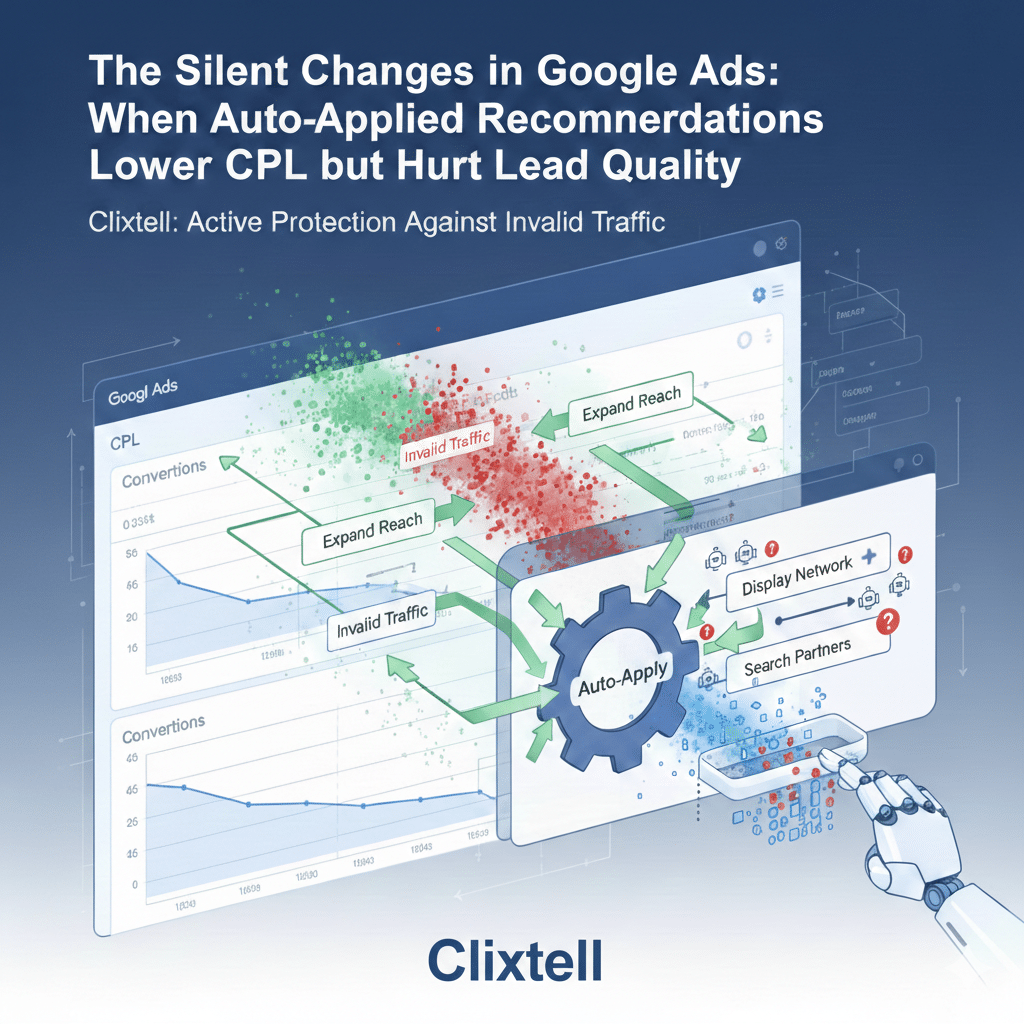
When Auto-Applied Recommendations Lower CPL but Hurt Lead Quality
There is a familiar kind of lead gen problem that does not show up as a clear “break” in your Google Ads charts. The account looks stable, sometimes even healthier than last week. CTR is fine. CPC is not spiking. Conversions keep coming in. Then you open your CRM, listen to a handful of calls, or skim form submissions, and the reality looks different: more noise, fewer real opportunities, and a team spending time on leads that were never going to convert.
When this happens, most advertisers do what feels responsible in the moment. They start adjusting bids, budgets, ads, keywords, landing pages, or audiences. The issue is that these changes often create more variables, which makes it harder to diagnose the original cause, and easier to talk yourself into the wrong conclusion.
In a large number of lead gen accounts, the real cause is simpler than it feels. The account changed quietly through Google Ads auto-applied recommendations, and the change shifted the traffic mix in a way the platform metrics did not immediately punish. In practice, the highest-risk shifts are the ones that expand reach into inventory like Display and Search Partners, because that is where a large share of invalid traffic tends to concentrate.
What auto-applied recommendations really are
Google Ads has a system called auto-applied recommendations. Recommendations can be applied manually, or applied automatically if you enabled auto-apply for specific recommendation types. That’s all auto-apply means: certain changes can happen without a person approving each one at the moment they are applied.
Auto-apply is not inherently “bad.” In some account types, some automatic changes can be low risk. The problem is that in lead gen, the definition of “low risk” is narrower than most people expect, because the conversion signal is usually softer, easier to misclassify, and easier for low-quality traffic to trigger. When auto-apply widens reach into inventory that historically carries more invalid activity, the risk multiplies fast.
Why lead gen accounts get hit harder than ecommerce
Ecommerce has an immediate truth mechanism. A purchase is a purchase, and it is difficult for the platform to misinterpret what success means. Lead gen is different. A conversion might be a short call, a basic form submit, a chat, or a lead form completion, and none of those outcomes are automatically equivalent to a qualified opportunity.
If your primary conversion is easy to trigger, the platform can “improve performance” by bringing you more of the kind of users who trigger that conversion most easily. Auto-applied changes that expand reach, loosen matching, or shift bidding behavior can accelerate this, because they change who you are exposed to, and therefore what kinds of people enter the conversion funnel. This is especially visible when the extra volume concentrates in Display or Search Partners, where low-quality and invalid clicks can be more common.
In lead gen, a lower CPL can be real improvement, or it can be a sign that the account found cheaper ways to trigger the same conversion event. That’s why lead quality has to be part of the measurement layer.
A pattern we have seen at Clixtell
Here is a concrete example from our team’s experience at Clixtell. It is anonymized, but the mechanics are exactly what you see in real accounts.
We worked with a PPC advertiser where auto-apply expanded exposure into broader queries. On paper, it looked like a win. CPL dropped by roughly 20%, and the dashboard told a positive story.
The sales team told a different story. Around 80% of the incoming leads were suddenly coming from low-cost regions the company did not serve, and the leads were not simply “unqualified.” They were structurally wrong for the offer. Many had generic details, suspicious patterns in contact fields, and almost no meaningful on-site engagement.
What made this case clear was where the new volume concentrated. Once auto-apply widened reach, we saw a disproportionate share of the incremental clicks and “conversions” coming through Search Partners and Display-type inventory signals, alongside behavior patterns that did not match real evaluators. To confirm what was happening, we did not start by redesigning campaigns. We identified the break date, matched it to the change that widened exposure, and then validated that the new traffic behaved differently, both in geography distribution and in post-click behavior. Once the account returned to a controlled exposure state and the conversion signal was tightened, the “cheap wins” disappeared, but qualified pipeline performance recovered.
When to suspect auto-apply
You do not need to blame auto-apply every time lead quality dips. You do need to know which symptoms justify a fast check. These are the patterns that should trigger you to open history before you touch anything else.
- CTR improves while lead quality drops. Messaging or exposure expanded into audiences who click easily but do not convert into customers.
- Conversions stay steady while close rate falls. The traffic mix shifted, the conversion definition is too soft, or both.
- Search terms start to feel different. More research intent, more comparison queries, fewer hire-ready terms.
- Geography becomes weird. A surge from regions that never close can signal exposure changes.
- Spend or “conversions” suddenly appear in Display or Search Partners. When new volume concentrates in these networks, it often brings the biggest lead quality and invalid traffic risk.
None of these symptoms prove auto-apply was the cause. They simply justify the fastest diagnostic step: check what changed and when.
Where the truth usually lives: two history views
If you want to stop guessing, you typically need only two screens.
Auto-apply history
Auto-apply history shows what was applied automatically and on which dates. It answers: “Did something change without someone manually editing the account at that moment?”
Change history
Change history shows what changed in the account and often who made the change. Even when auto-apply is involved, it helps you identify the specific object that changed, such as a bid strategy, a target, an ad asset, a keyword set, or a targeting setting.
The practical method is not to scroll endlessly through history. The practical method is to pick a break date first.
How to pick the break date in a way that reflects reality
Do not pick the first bad day. Lead gen is noisy, and you can talk yourself into patterns that are just variance. Pick the first day where the shift becomes consistent enough that you can see it in more than one place.
A good break date usually aligns with at least two of the following:
- Sales feedback or CRM quality tags begin changing.
- Call quality changes in a way you can recognize quickly.
- On-site behavior shifts, such as higher bounce or shorter sessions.
- A segment inside Google Ads changes, such as geography distribution or device mix.
Once you have a break date, you can look at a short window around it and ask a focused question: what changed that plausibly explains this specific kind of shift?
The change families that reshape lead quality
You do not need a long list of every recommendation type. You need the few change families that tend to alter who shows up as a lead.
Reach expansion and matching looseness
When exposure expands, you often buy more low-intent traffic unless your negatives, ad messaging, and conversion signals are strict. The symptom is usually a shift in query themes: more informational searches, more early-stage research, and more curiosity clicks that look relevant but are not hire-ready. In lead gen, the risk is highest when the incremental volume concentrates in Display and Search Partners, where invalid traffic often clusters.
Bidding and target changes
A bid strategy change or a target change can move you into a different part of the auction. That can change who you win, when you show, and where volume concentrates. The effect often appears as a distribution shift rather than a simple “up or down” in averages.
Ads and assets changes
Improved CTR can look like progress, but a broader headline can increase clicks from the wrong people just as efficiently as it increases clicks from the right people, especially if your offer has wide appeal but your qualification requirements are narrow.
Conversion definition side effects
Sometimes traffic didn’t get worse. Sometimes what you count as success is too easy, too broad, or double-counted, which makes reach expansion look like a win even when the business outcome is worse.
If you need one internal reference to keep measurement stable while diagnosing traffic mix, use conversion tracking audit once, then keep this article focused.
How to prove the change caused the shift
Most articles stop at “check history.” That’s not enough. What you want is a simple proof structure that helps you decide what to reverse. Think in before-and-after windows.
1) Use short, comparable time windows
A common approach is seven days before the break date and seven days after. If your business behaves differently on weekends, match weekdays as best you can. You want signal, not a perfect statistical model.
2) Compare business reality, not only CPL
CPL is a platform metric. In lead gen, it is a mid-metric. What matters is quality. If you already tag lead quality in the CRM, use that. If you do not, tag the next 30 to 50 leads in the “after” window with simple categories: qualified, unqualified, wrong market, spam. It does not need to be perfect. It needs to be consistent enough to create a reality layer outside the platform.
3) Look for distribution shifts, not only averages
Averages hide mix changes. Check whether the “after” window is different by location, device, hour of day, and search term themes. If the mix changed, you likely have a reach, bidding, or messaging change. If the mix shift is disproportionately driven by Display or Search Partners volume, treat it as a higher-risk signal and validate the traffic source quality.
4) Match the break date to a plausible object in history
Filter Change history around the break date and look for changes that logically explain the distribution shift. When you find a match, you have a defensible cause, not a guess.
Recovering with Active Protection
Lead gen accounts often get worse during recovery because teams change too many variables at once. A calmer, more effective recovery follows these principles:
1. Stop repeats (The Manual Side)
Disable the specific auto-apply recommendation types involved. This prevents the “I fixed it, then it happened again” loop.
2. Deploy Real-Time Blocking (The Technical Side)
Reverting a setting in Google Ads doesn’t always clear the “bad” signals immediately. If auto-apply opened the door to invalid traffic, those bots and low-quality sources might already be in your retargeting lists or conversion history.
This is where Clixtell’s real-time blocking becomes essential. Instead of waiting for Google’s manual credit system to catch up, you deploy an active layer that:
- Automates Exclusion: Instantly adds fraudulent IPs and suspicious clickers to your exclusion lists.
- Neutralizes the “Cheap Win” Loop: By blocking invalid clicks before they can trigger a soft conversion, you stop the algorithm from thinking this junk traffic is “successful.”
3. Reverse the minimum set of objects
Keep your changes tight. If the problem was exposure expansion, reverse that and let your active protection layer (Clixtell) handle the cleanup of the incoming traffic. This allows you to measure the recovery cleanly without the noise of persistent invalid clicks.
Where click fraud and Clixtell fit
This is not a click fraud article, and it should not pretend to be one. But in software-led lead gen protection, this is the practical reality: when auto-apply expands reach into Display and Search Partners, you often expose the account to a higher share of bots, click farms, and other invalid sources that can trigger “conversions” cheaply. That is why a pure PPC-agency workflow can miss the full picture. You may find the change, revert it, and still have polluted signals.
Clixtell is built for that second layer: validating whether the new volume includes invalid traffic patterns and blocking it so your campaigns learn from real users. If you still see suspicious repetition patterns, unusual concentration by network, and session behavior that looks non-human, then it makes sense to validate traffic sources rather than keep guessing inside the Google Ads UI. That is where click fraud protection fits logically, as a validation and mitigation layer after you have already controlled for settings and change-driven causes.
A cleaner ending that does not drag
You do not need a heavy prevention framework. You need a small habit that makes silent changes visible. Once a week, spend ten minutes checking auto-apply history and Change history for the last seven days. If you see a reach-changing or bidding-changing edit, write one line: what changed and on which date. That one line often saves hours the next time the lead mix shifts.
Once a month, confirm two basics: your primary conversion still represents real intent, and your exposure controls still match your market reality. And when lead quality drops again, resist the urge to “fix it” first. Start with the break date, let history tell you what changed, and then reverse only what you can defend with evidence.
FAQ
How do I know if auto-apply is enabled?
Check the auto-apply settings and its history. If you see automatically applied items in history, at least one recommendation type is enabled.
Why can CPL improve while lead quality gets worse?
Because the platform optimizes to what you count as a conversion. If the conversion is easy to trigger, the system can find cheaper traffic that triggers it more often.
What is the fastest way to find the root cause?
Pick a defensible break date, compare a short before-and-after window, then match that date to auto-apply history and Change history.
Should I disable auto-apply completely?
In lead gen, disable any auto-apply types that can expand reach or change bidding targets without review. If you keep anything enabled, keep it limited and review history weekly.
When does click fraud become a valid hypothesis here?
After you reverse the change and tighten conversion signals. If suspicious repetition and non-human behavior patterns persist, validate traffic sources.