By Clixtell Content Team | February 12, 2026
Estimated reading time: 12 to 14 minutes
Spam Leads from Google Ads: Why They Happen and How to Stop Lead Spam Without Losing Good Leads
The phone rings. You answer. Silence. Or a robotic voice. Or someone asking about a job when you are not hiring.
Then your CRM fills with “new leads” that look normal at first, but collapse the moment your team follows up. Numbers do not connect. Emails bounce. The same message shows up again and again with small variations.
This is what spam leads from Google Ads looks like in real operations. It drains sales time, clogs pipelines, and creates friction between marketing and revenue. It also creates a quiet PPC problem: when spam submissions are counted as conversions, automated bidding can learn the wrong lesson and chase more of the same.
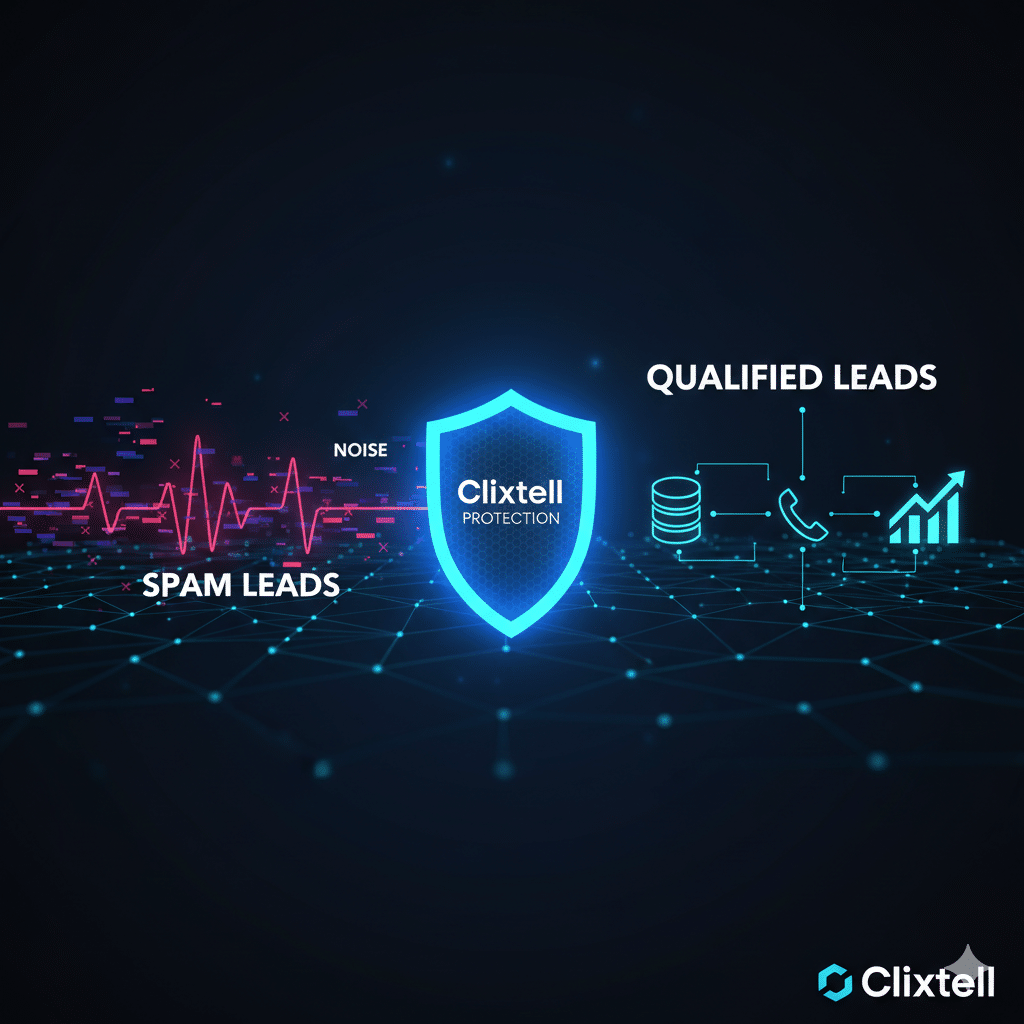
While many focus only on form security, Clixtell’s unique multi-layer protection is designed to stop spam where it starts at the click layer, making it the most comprehensive solution for high-scale Google Ads accounts.
The fix is not a single trick. The fix is to identify where the spam enters your lead path, then stop it at the right layer. This article follows that path from click to session to form to call, with practical categories you can apply without guessing.
What spam leads look like in real accounts
Most teams first notice the problem outside Google Ads. They notice it in the follow-up process. They notice it when sales reps start ignoring “new leads” because too many are junk. They notice it when the same person seems to submit five times with different names. They notice it when call agents waste a morning on dead numbers.
The second wave comes later. It shows up in performance reporting. Conversion volume looks healthy. CPA might even improve. But real outcomes drift. Show rate drops. Qualified opportunities fall. Close rate weakens in a segment that used to work.
That gap is the danger. When lead spam becomes part of your conversion stream, the account can become optimized for activity instead of value. Lead gen is especially vulnerable because the “conversion” is often an early signal. If that early signal becomes noisy, everything downstream becomes harder to trust.
A useful mindset is to treat spam leads as a quality control problem, not only a marketing problem. The right fix reduces waste and makes reporting calmer because the data aligns with what sales actually experiences.
Why spam leads from Google Ads happen
Not every spam lead is a bot. Not every bot lead is a click fraud story. In real accounts, three causes dominate.
Cause 1: Tracking noise
A conversion fires when it should not. You might have duplicate triggers on the thank-you page. A form event might fire on button click, not on validated submission. A call conversion might count as soon as the call starts, not when a real conversation happens. The result is inflated conversions that do not represent real prospects.
Cause 2: Humans with the wrong intent
The user is real, but not a buyer. They want free advice. They are researching. They are outside your service area. They want a different service than you offer. They still submit because the funnel makes it easy and the message is not filtering them out.
Cause 3: Automated or malicious submissions
Bots and scripts submit forms at scale. Some sources mimic human behavior well enough to slip past basic filters. Automation is a baseline reality across the web. The Imperva 2025 Bad Bot Report notes that bad bots account for a large share of internet traffic and that automated traffic can exceed human activity: 2025 Bad Bot Report.
The goal is not to label everything as fraud. The goal is to identify where the junk enters, then apply fixes that improve outcomes without collapsing demand.
The fast diagnosis that prevents random changes
Lead spam becomes expensive when teams react with broad changes. They pause campaigns. They rewrite ads. They rebuild landing pages. They add friction everywhere. Then they lose volume and still do not know what caused the problem.
A faster approach starts with one metric the revenue team agrees to. Pick one: valid lead rate, qualified lead rate, or both.
Valid lead rate is a basic quality gate. The lead passes minimum validation like a working phone format, a real email domain, and a message that is not obvious gibberish. Qualified lead rate goes further. Sales accepts it as a real opportunity based on your normal qualification rules.
Now segment that rate. Do not start by segmenting clicks. Segment outcomes. The first place qualified lead rate collapses is usually the place the spam is entering. That is when categories become useful.
Category 1: Measurement that protects Smart Bidding
Fix measurement first because it prevents lead spam from training your bidding system. Ask one question: if a low-quality submit happens, does it still count as a primary conversion?
If the answer is yes, you are teaching automation to chase the easiest version of success. The account can look “efficient” while real outcomes decline. This is why lead spam often shows up as a revenue problem after it shows up as a sales workload problem.
The clean structure is simple: keep early signals as observation, and reserve primary conversions for outcomes that correlate with revenue. If you need a structured way to audit duplicate triggers, unstable definitions, and conversion setups that reward noise, link this fix to a Google Ads conversion tracking audit.
Two practical changes often create immediate clarity: ensure one real lead equals one counted conversion, and remove any trigger that can fire without a validated submission. This does not solve spam alone, but it stops the account from optimizing into noise while you fix the source.
Category 2: Defeating the Persistence Loop at the click layer
Most lead quality advice starts with form security. That helps, but it often treats the symptom, not the cause. When the source is paid traffic, a lead does not start at the form. It starts with a click that costs you money.
If a persistent bot or a low-intent manual clicker reaches your page, you have already paid for the visit. That visit can also distort surface metrics like CTR, making performance look better in the wrong segment while outcomes get worse.
This creates a persistence loop: the same low-quality sources keep coming back, they keep re-entering the funnel, and they keep generating junk submissions that poison your conversion data.
Breaking that loop requires click-layer control. Advanced protection is not about blocking a single “bad” click. It is about recognizing repeat suspicious sources and preventing them from seeing your ads again once patterns are detected. That is the difference between dealing with symptoms and stopping the repeat cause.
When spam leads are driven by paid clicks, click fraud protection can stop repeat sources earlier in the path, before they reach your landing page and form. The benefit is double: you stop paying for repeat junk clicks, and you stop polluted conversion signals from reaching the form in the first place, keeping Smart Bidding focused on cleaner, higher-intent data.
Why standard lead filters are not enough
- Basic bot detection
- Honeypot fields
- Email format validation
- Simple rate limiting
- Click-Layer prevention (Stop spam before the site)
- Persistence loop identification
- Automated IP & Device blocking
- Cross-channel quality reporting
- Phone & Call extension protection
A practical sign that you are dealing with a persistence loop is when basic form changes do not move the needle. If you tightened the form and the same patterns keep returning in the same segment, the source is likely upstream.
Category 3: Network and inventory controls
Many lead spam spikes are inventory problems. A campaign expands into placements that behave differently, and the lead funnel absorbs the noise. This is common when an account scales fast, tests new campaign types, or changes network settings.
Search Partners can change the quality mix
Search Partners is a common trigger because it expands where ads can appear and how they are displayed. Google explains that Search Partners can customize ad appearance on their sites and that ads may show on parked domains: About the Google Search Network.
You do not need to assume partner inventory is always bad. You do need to measure it. Compare qualified lead rate on Google Search versus Search Partners. If the gap is meaningful, isolate partner inventory into a controlled test or remove it from core campaigns so it does not pollute learning.
Performance Max can hide where low-quality leads start
Performance Max can be powerful, but it is a mix of inventory. When leads rise but quality drops, you need visibility into where the shift is happening so you do not pause everything blindly. Performance Max channel reporting helps you isolate which inventory is driving low-quality outcomes and conversion inflation inside mixed campaigns.
The goal is precision. If only one slice is producing junk, fix that slice. Do not punish your best-performing segments because one inventory source changed the quality mix.
Category 4: Search intent control that filters humans, not only bots
Some “spam leads” are not spam. They are humans with the wrong intent. If your offer is broad and your matching is loose, you will attract real users who were never going to buy. Your CRM still treats them as leads, and your team still pays the cost.
Intent control starts with outcomes. Do not ask which search terms are “irrelevant” in theory. Ask which search terms produce zero qualified outcomes in practice. The search terms report becomes powerful when you tie it to lead quality, not only to clicks.
A structured negative keywords audit helps you remove proven low-intent traffic while protecting Smart Bidding signals. This matters because overblocking can collapse demand and create volatility that looks like a performance problem.
Pair negative work with one clear qualifier in ads and on the landing page. A qualifier can be as simple as service area, minimum job size, pricing starting point, or business-only messaging for B2B. You will lose some leads. That is the right trade when those leads were never valuable.
Category 5: Form and CRM defenses that do not kill good leads
Form defenses should be layered. Not every visitor should face the same friction. If you add heavy barriers everywhere, you can reduce spam and also reduce real demand. The best approach is to block obvious junk quietly, then challenge only when a submission looks suspicious.
Stop obvious junk without changing the user experience
Quiet controls catch more spam than most teams expect. Honeypot fields filter basic bots. Rate limits reduce repeated bursts. Deduplication prevents the same payload from inflating lead counts. Time-to-complete checks flag submits that happen unrealistically fast.
Validate the data you actually use
Validation should reflect your follow-up reality. If your sales team calls every lead, phone format matters. If email is the first touchpoint, disposable domains matter. If the message field is the only place a buyer can state intent, minimum length can reduce empty noise.
The goal is not to make the form harder for real buyers. The goal is to make it slightly harder for junk to enter the CRM and become “conversion data.” Once you harden the form, align tracking so invalid submissions do not count as conversions. Otherwise your reporting still rewards noise.
A simple operational improvement is to tag leads as valid or invalid at intake. Even if you do not have full offline conversion import, that tagging creates a feedback loop you can use to see where the junk is coming from.
Category 6: Call spam is part of lead spam
If phone calls are part of your funnel, lead spam is not only a form problem. It is also a call quality problem. In some lead gen categories, call spam becomes the fastest way to drain sales capacity because every call demands attention.
The Truecaller U.S. report documents large-scale spam and scam trends in phone communication, including how persistent spam creates a trust problem for normal calling: Truecaller U.S. Spam and Scam Report 2024.
You do not need complex systems to see improvement. Screen unknown callers during peak spam windows. Use a light IVR prompt to filter obvious bots. Tag call outcomes consistently, qualified, not qualified, spam. Count only real conversations as primary call conversions.
If your spam is tied to paid call clicks, you also need visibility at the click-to-call layer. click-to-call ads tracking helps separate paid call activity from real conversations so lead quality decisions are not made from inflated call metrics.
Category 7: Keep it stable with a weekly lead quality review
Lead spam changes over time. A one-time cleanup is rarely enough. The accounts that stay stable treat quality as a weekly review, not a crisis reaction.
The weekly review does not need to be complicated. Track valid lead rate and qualified lead rate. Review those rates by campaign type, network, location, device, and hour. When quality drops, isolate the first segment where it breaks, then apply the category fix that matches the break.
This approach keeps you from making broad changes based on frustration. It also gives you a clean narrative for stakeholders: what changed, where it changed, what you verified, and what you changed in response.
FAQ
Are spam leads from Google Ads always bots or click fraud?
No. Some are tracking noise, some are low-intent humans, and some are automated submissions. The fix depends on where the issue enters your lead path.
What is the fastest way to protect Smart Bidding from lead spam?
Make sure low-quality submits do not count as primary conversions. Then measure qualified lead rate by segment and fix the segment that breaks first.
Should I disable Search Partners if lead quality drops?
If qualified lead rate is materially worse there, isolate it into a controlled test or remove it from core campaigns so it does not pollute learning.
How do I know if spam leads start at the click layer?
Click-layer spam often shows repeat patterns in a narrow segment, short time between click and submit, and little improvement after basic form tweaks. When you confirm repetition, stop the repeat source earlier in the path.